
How do I turn on my Feel Monitor?
If this is your first time using the Feel Monitor, you will need to charge it first. If you need help with charging it, please read the relevant article in the FAQ section “Charging your Feel Monitor”. After this, you will need to press the button on the Feel Monitor continuously for about 5 seconds. You should feel a short vibration and see a blue LED light around the button while doing this.
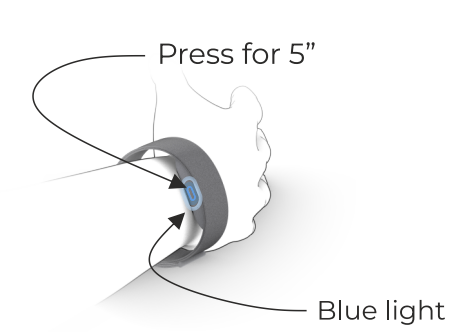
After the first time you turn the Feel Monitor on, it turns on automatically every time you put it on. You can tell your Feel Monitor is turned on when the green and orange LED lights of the Heart Rate Sensor start flashing.